The world of video creation is undergoing a revolution, and AI-powered tools like Synthesia are leading the charge. If you’ve ever struggled with the time, cost, and complexity of traditional video production, this Synthesia review will show you how AI is changing the game. With Synthesia, you can create professional-quality videos featuring realistic AI avatars without cameras, actors, or technical expertise.
Synthesia offers a free demo that lets you experience firsthand how easy it is to transform text into engaging video content. Whether you’re creating training materials, marketing videos, or educational content, this AI video generator could be the solution you’ve been looking for.
Ready to see Synthesia in action?
Try the free demo now and create your first AI video in minutes.
Try Synthesia Free DemoKey Features & Benefits of Synthesia
Synthesia stands out in the crowded AI video creation market with several powerful features that make professional video production accessible to everyone. Let’s explore what makes this platform worth considering for your video needs.
AI Avatar Video Creation
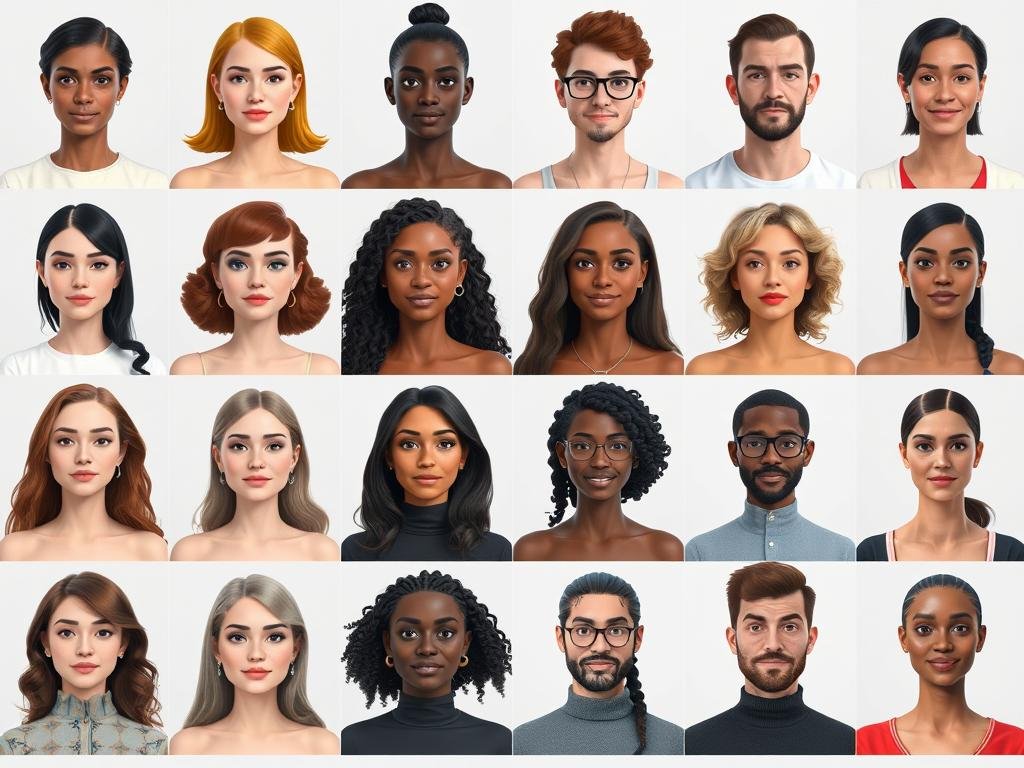
At the heart of Synthesia is its impressive library of over 150 diverse AI avatars that look and sound remarkably human. These digital presenters can deliver your message in a professional manner without the need for hiring actors or setting up a studio.
- Choose from 150+ diverse AI avatars across different ethnicities and genders
- Avatars display realistic facial expressions and synchronized lip movements
- Add subtle gestures like head nods and eyebrow raises for more natural delivery
- Option to create custom AI avatars that look like you (available on higher-tier plans)
Multilingual Voiceover Support
One of Synthesia’s most powerful features is its ability to create videos in multiple languages without additional recording sessions. This makes it an excellent tool for businesses with a global audience.
- Support for 120+ languages and accents
- Natural-sounding AI voices with adjustable speaking rates
- Voice cloning capabilities to create a digital version of your own voice
- Automatic pronunciation adjustments for technical terms
Create videos in 120+ languages
Reach your global audience with just one video creation process.
Try Synthesia Free DemoEasy Script-to-Video Workflow
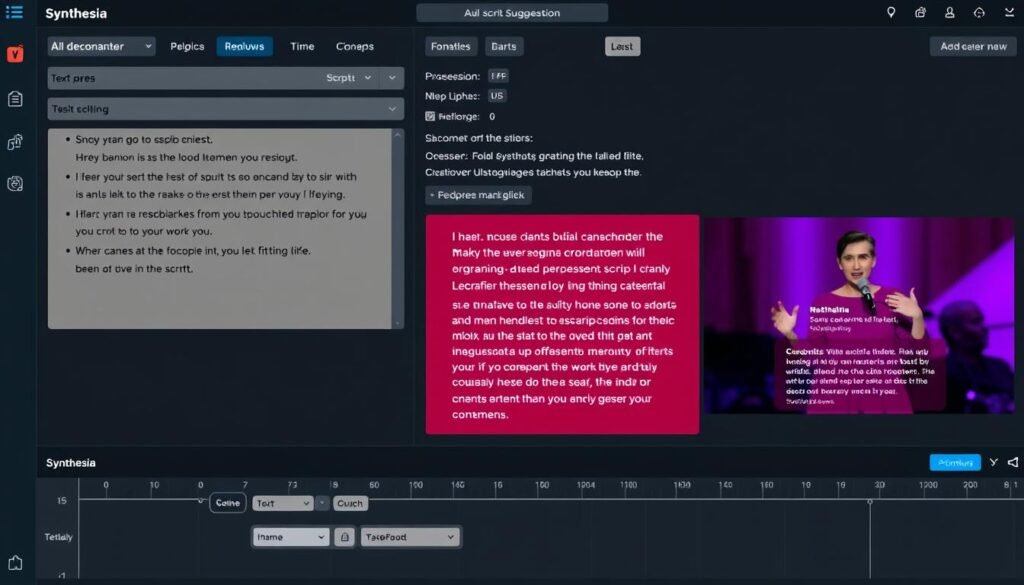
Synthesia simplifies the video creation process with its intuitive script-to-video workflow. You can start with just an idea and let the AI help you develop it into a complete video.
- AI script assistant generates professional scripts from simple prompts
- Text-to-speech technology converts your script into natural-sounding voiceovers
- 65+ professional video templates for quick production
- Customizable scenes, backgrounds, and transitions
Team Collaboration Tools
For businesses and teams, Synthesia offers robust collaboration features that streamline the video creation process across departments.
- Real-time collaboration with team members
- Commenting and feedback tools within the platform
- Version history to track changes and progress
- Centralized media library for brand assets
How Synthesia Works: A Step-by-Step Guide
Creating videos with Synthesia is remarkably straightforward, even for those with no video production experience. Here’s a simple four-step process to get you from concept to finished video.
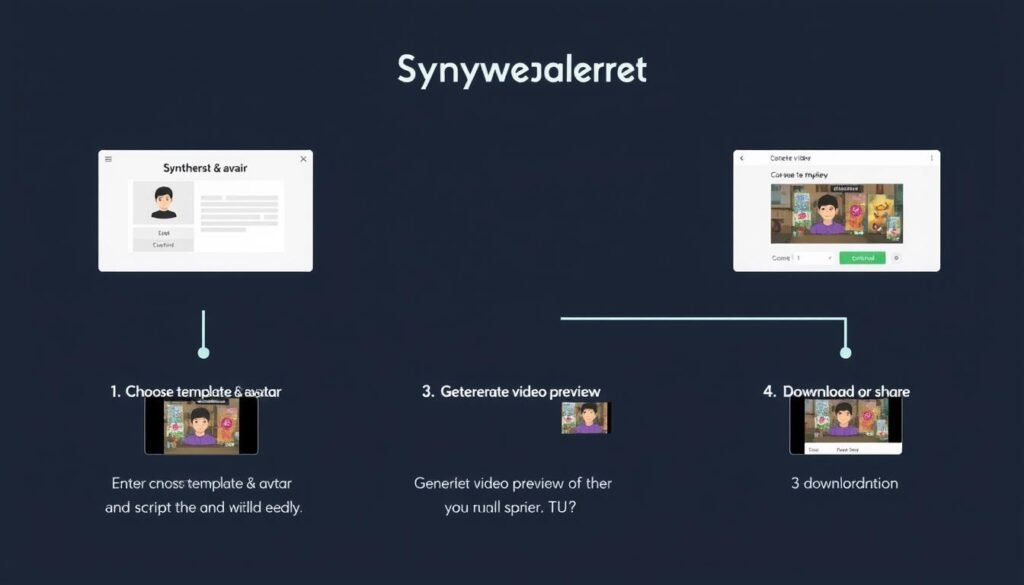
1. Choose a Template & Avatar
Start by selecting from over 65 professionally designed templates or create a custom layout from scratch. Then, choose an AI avatar that best represents your brand or message.
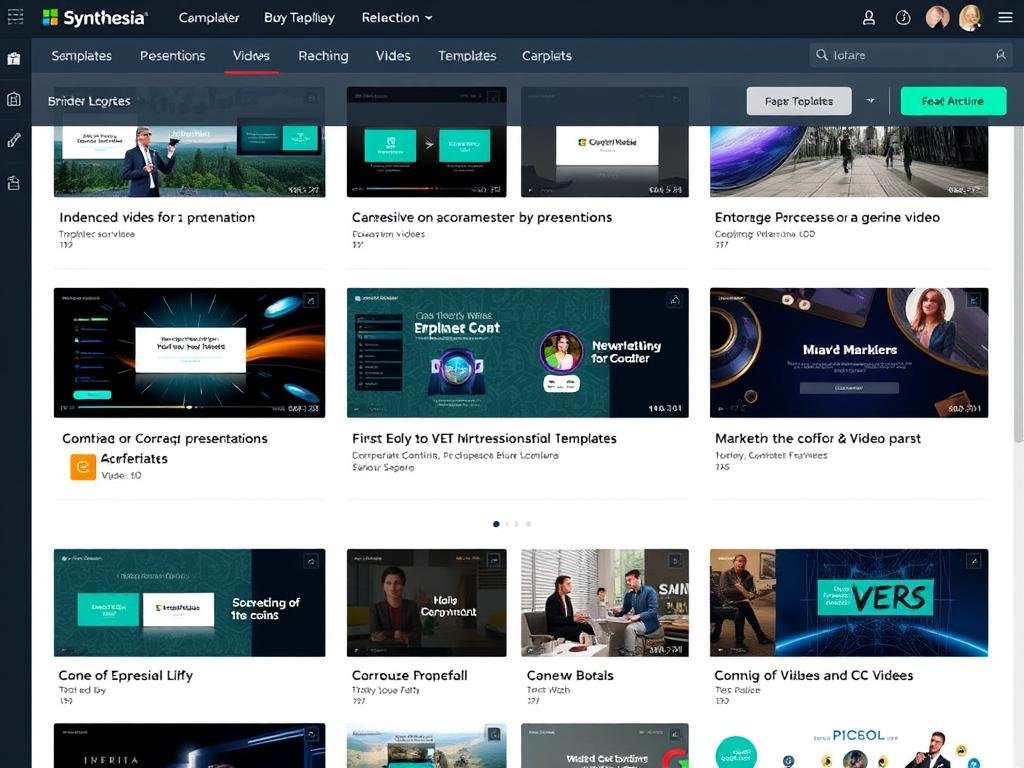
Templates are organized by use case (marketing, training, educational) and style (corporate, casual, minimalist), making it easy to find the perfect starting point for your video.
2. Enter Your Script
Next, write your script directly in the editor or use the AI script assistant to generate content based on your topic. You can also import existing scripts from documents.
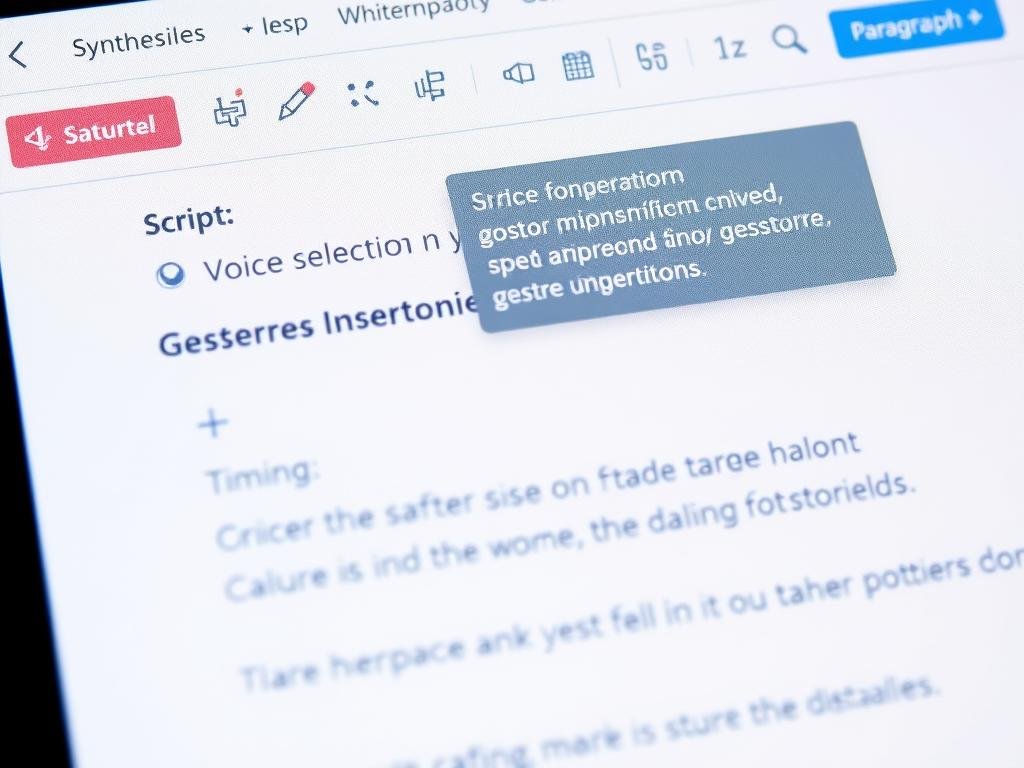
The platform allows you to add pauses, emphasize words, and include gestures like head nods at specific points in your script for more natural delivery.
3. Generate Video Preview
With your script ready, Synthesia processes your content and creates a preview of your video. This typically takes just a few minutes, depending on the length and complexity of your project.
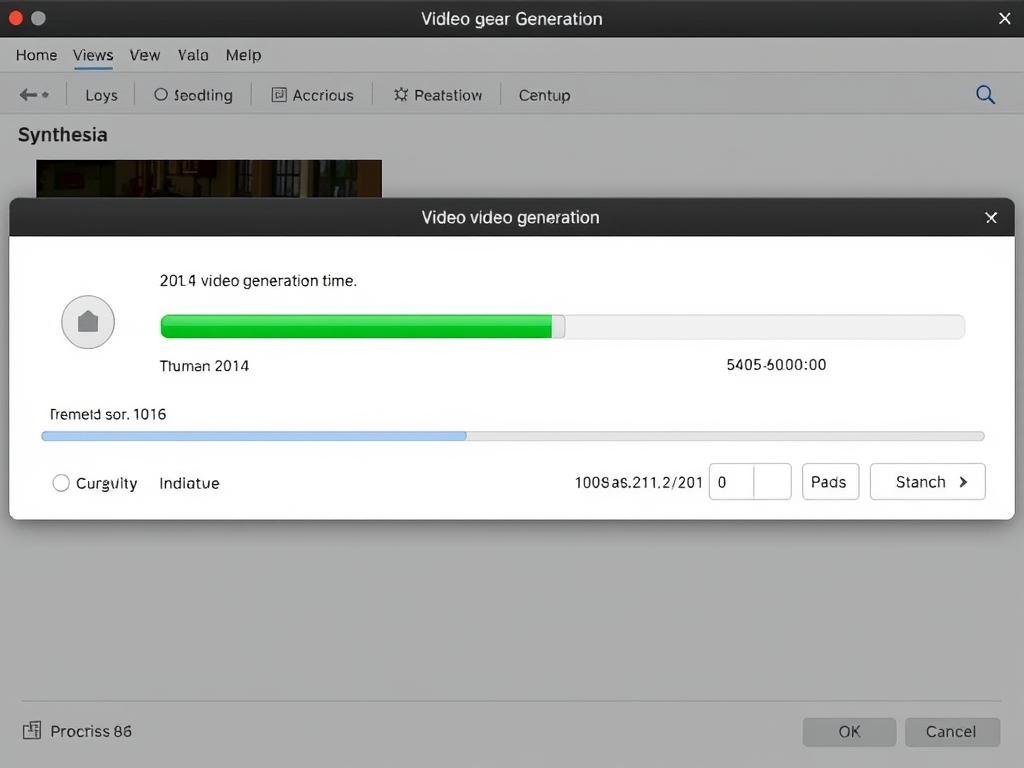
During this stage, you can make adjustments to your script, avatar, background, or other elements before finalizing your video.
4. Download or Share Your Video
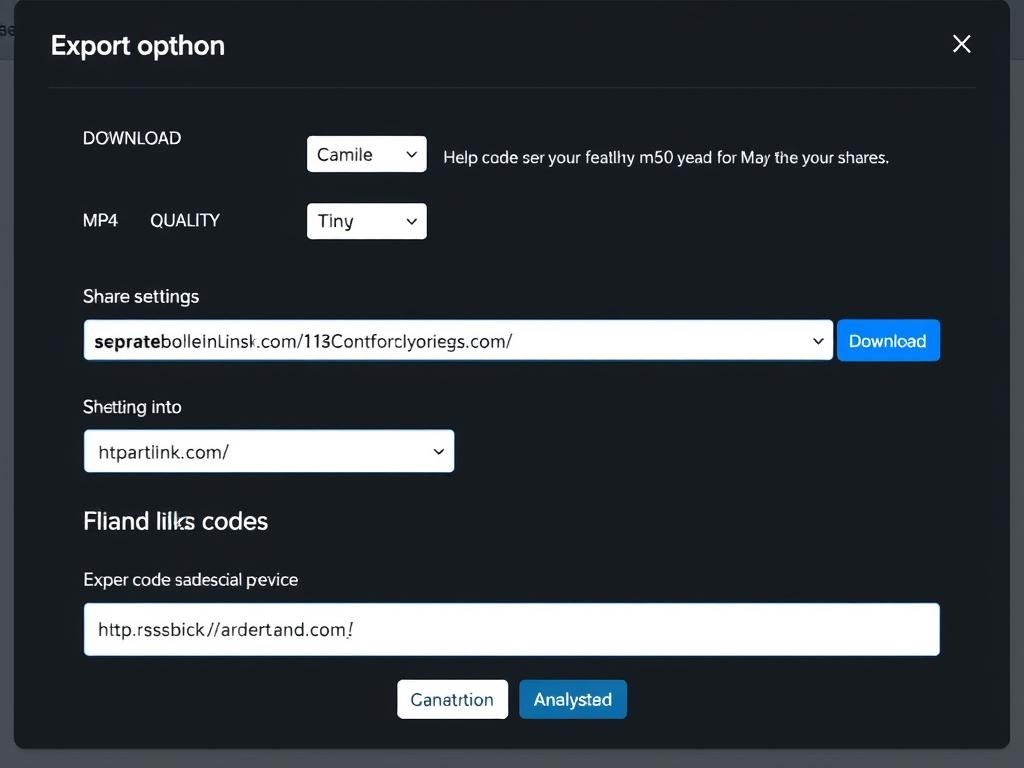
Once you’re satisfied with your video, you can download it in high-definition format (1080p) or share it directly via a link. Synthesia also provides embed codes for adding videos to websites or learning management systems.
Create your first AI video today
No technical skills required – just your ideas and a few minutes of your time.
Try Synthesia Free DemoSynthesia Pricing & Free Demo
Synthesia offers a range of pricing plans to accommodate different needs and budgets. All paid plans include access to the core features, with higher tiers providing additional capabilities and usage limits.
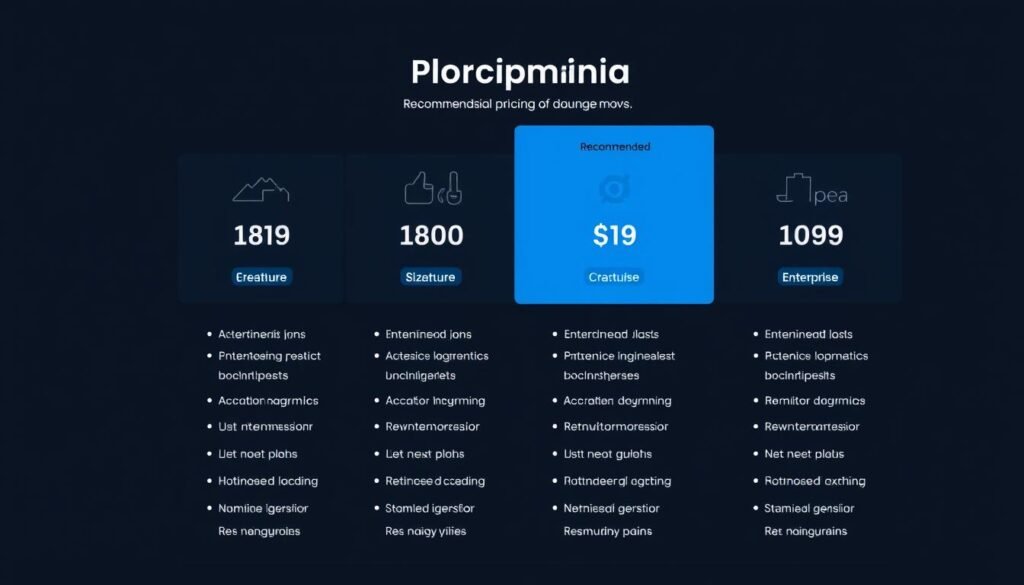
Free Demo
Synthesia offers a free demo that allows you to create one video without providing payment information. This is perfect for testing the platform and seeing if it meets your needs before committing to a paid plan.
Starter Plan
Starting at $22/month (billed annually), the Starter plan includes:
- 120 minutes of video per year
- Access to 60+ AI avatars
- 65+ video templates
- Basic customization options
- 720p video quality
Creator Plan
At $67/month (billed annually), the Creator plan offers:
- 360 minutes of video per year
- Access to all 150+ AI avatars
- All video templates
- Advanced customization options
- 1080p video quality
- Priority support
Enterprise Plan
For larger organizations, the Enterprise plan provides:
- Custom video minute allocation
- Custom AI avatar creation
- Voice cloning
- Advanced team collaboration tools
- Dedicated account manager
- Custom integrations
Ready to explore Synthesia’s pricing options?
Find the perfect plan for your video creation needs.
See Synthesia PricingPros and Cons of Synthesia
Like any tool, Synthesia has its strengths and limitations. Here’s an honest assessment to help you decide if it’s right for your needs.
Pros
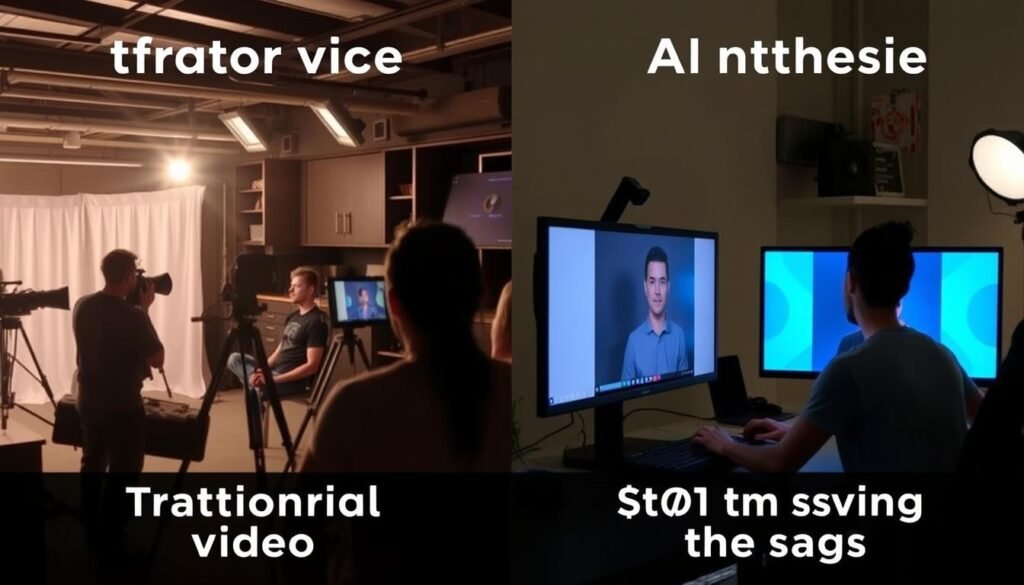
- No filming required – create videos without cameras, actors, or studios
- Time-efficient – produce professional videos in minutes instead of days
- Cost-effective – significantly lower than traditional video production
- Multilingual support – create videos in 120+ languages without additional recording
- User-friendly interface – intuitive design requires no technical expertise
- Realistic avatars – lifelike digital presenters with natural speech patterns
- Customization options – extensive templates and editing capabilities
Cons
- Limited video minutes – annual caps on video production minutes
- Avatar emotion limitations – avatars can sometimes appear clinical or detached
- Custom avatar costs – creating personalized avatars requires higher-tier plans
- Content restrictions – platform prohibits certain types of content
- Occasional pronunciation issues – some technical terms may require manual adjustment
Who Should Use Synthesia?
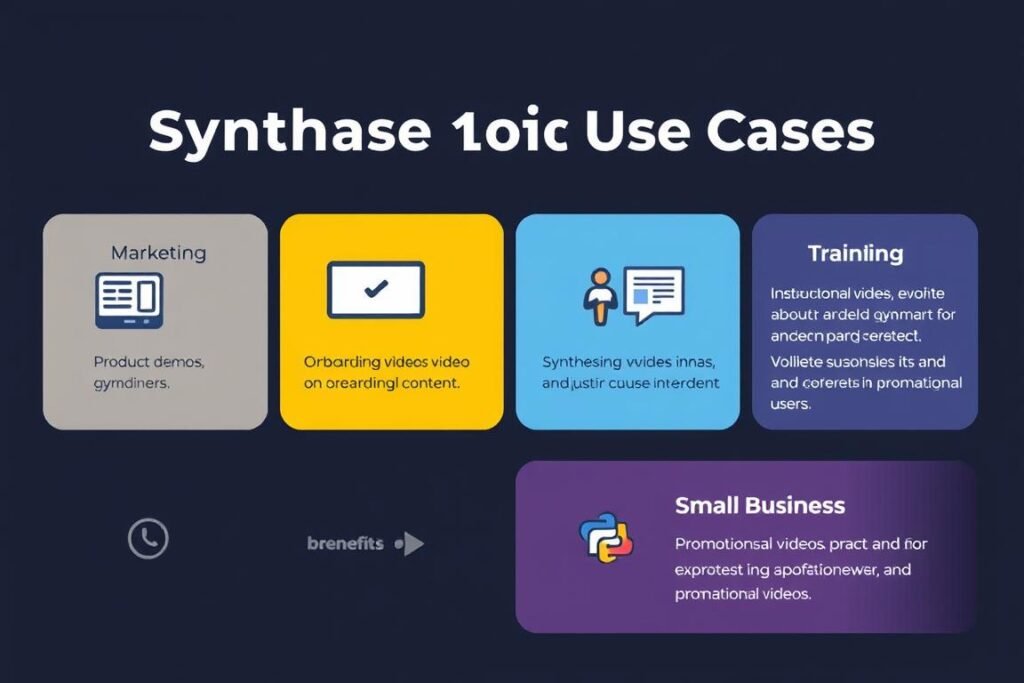
Synthesia is versatile enough to benefit various professionals and organizations, but it’s particularly valuable for certain use cases. Let’s explore who can get the most value from this AI video creation platform.
Marketing Teams
Marketing professionals can leverage Synthesia to create engaging product demos, explainer videos, and social media content without the high costs of traditional video production. The ability to quickly iterate and produce videos in multiple languages makes it ideal for global marketing campaigns and A/B testing different messaging approaches.
Corporate Trainers & HR Teams
For training and HR departments, Synthesia offers an efficient way to create consistent onboarding videos, compliance training, and internal communications. The platform’s collaboration features allow subject matter experts to contribute content while maintaining a professional, uniform presentation across all training materials.
Transform your training content
Create engaging, consistent training videos for your team.
Try Synthesia Free DemoEducators & E-Learning Creators
Teachers and educational content creators can use Synthesia to develop instructional videos that explain complex concepts clearly and consistently. The multilingual capabilities allow for creating content accessible to diverse student populations without recording multiple versions.
Small Business Owners & Entrepreneurs
For small businesses with limited resources, Synthesia provides a cost-effective solution for creating professional video content that would otherwise be out of reach. From product demonstrations to customer testimonials (using custom avatars), small business owners can compete with larger companies in video marketing quality.
Synthesia vs. Competitors
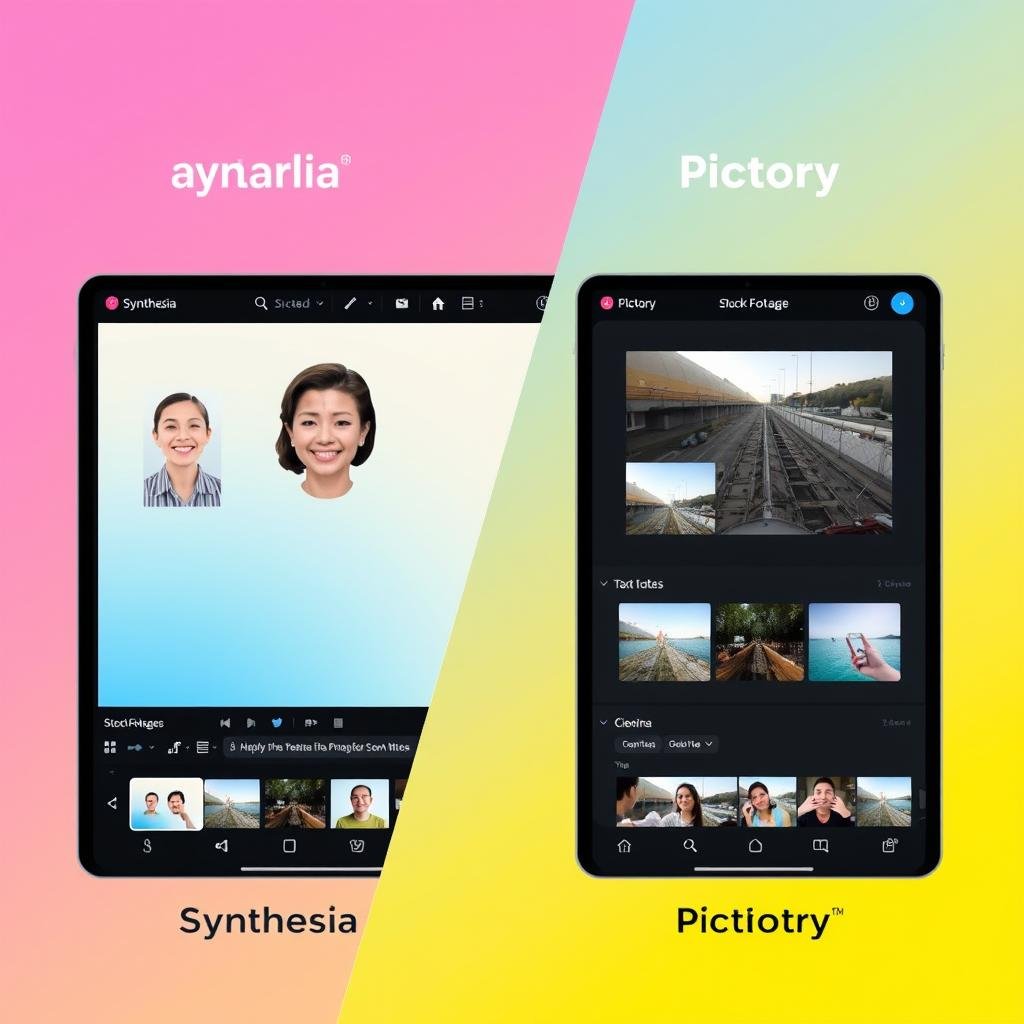
To help you make an informed decision, let’s compare Synthesia with two popular alternatives: Pictory and VEED. Each platform has its strengths, but they serve slightly different video creation needs.
Synthesia vs. Pictory
While both Synthesia and Pictory are AI-powered video creation tools, they take different approaches. Synthesia focuses on creating videos with AI avatars as presenters, making it ideal for training, educational content, and presentations where having a “human” element is important.
Pictory, on the other hand, specializes in transforming text content into videos using stock footage, images, and voiceovers without visible presenters. It’s particularly good at turning blog posts and articles into engaging video content.
Key differences:
- Synthesia offers AI avatars; Pictory does not
- Pictory excels at text-to-video from existing content
- Synthesia provides more language options (120+ vs. English-only)
- Pictory offers unlimited videos on higher plans
Synthesia vs. VEED
VEED is a more traditional video editing platform with some AI capabilities, while Synthesia is specifically designed for creating AI avatar videos from scratch. VEED offers more advanced editing features for existing video content, including effects, transitions, and subtitle generation.
Synthesia provides a more streamlined experience for creating presenter-led videos without requiring any filming or existing footage. Its strength lies in generating content from text rather than enhancing existing video.
Key differences:
- VEED offers more advanced editing for existing videos
- Synthesia specializes in creating videos from text with AI avatars
- VEED requires more video editing knowledge
- Synthesia provides more AI-generated content options
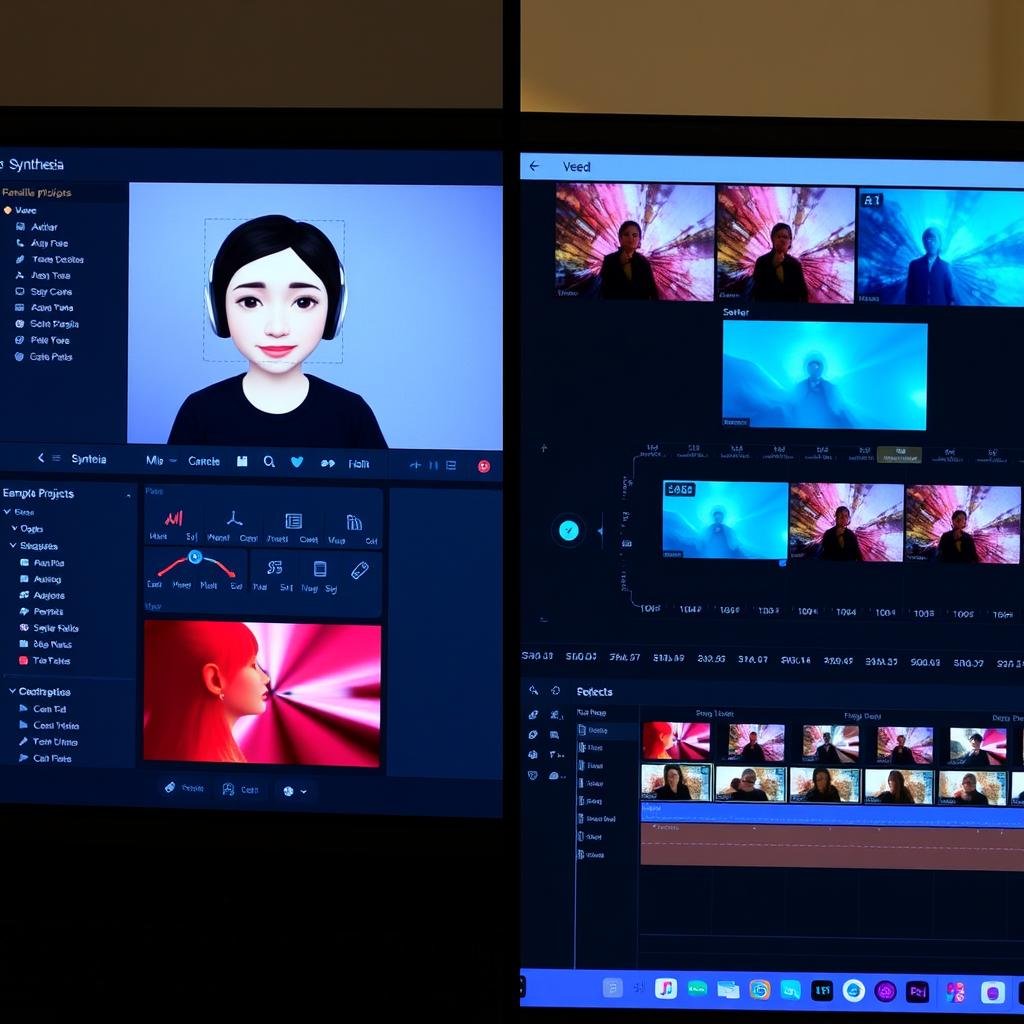
See why Synthesia stands out
Try the AI avatar technology that’s revolutionizing video creation.
Try Synthesia Free DemoFrequently Asked Questions
Is Synthesia Worth It for Corporate Training?
Synthesia offers exceptional value for corporate training, providing up to 80% cost reduction compared to traditional video production. The platform enables consistent delivery across all training modules, easy updates when information changes, and multilingual support for global teams. For organizations that regularly produce training content, Synthesia’s time and cost savings quickly outweigh the subscription investment, making it particularly worthwhile for medium to large enterprises with ongoing video needs.
Can Synthesia Create Videos in Multiple Languages?
Yes, Synthesia excels at multilingual video creation, supporting over 120 languages and accents. Once you’ve created a video, you can easily translate it by selecting a new language and avatar. The platform automatically generates the translated script and voiceover while maintaining the same visual elements. This feature is particularly valuable for global businesses, as it eliminates the need to record separate videos for different markets, saving significant time and resources while ensuring consistent messaging across all languages.
How Long Does the Synthesia Free Demo Last?
The Synthesia free demo allows you to create one complete video without time restrictions or watermarks. Unlike a time-limited trial, this demo focuses on letting you experience the full creation process from start to finish. You can use all the essential features including AI avatars, templates, and basic customization options. The resulting video remains accessible to you even after you’ve completed the demo. This approach gives you a practical understanding of how Synthesia works before committing to a paid plan.
How Realistic Are Synthesia’s AI Avatars?
Synthesia’s AI avatars offer impressive realism with natural speech patterns, synchronized lip movements, and subtle facial expressions. While they don’t perfectly replicate human presenters, they’re convincing enough for professional business videos. The platform continues to improve avatar realism with each update, adding features like contextual expressions and gestures. For most business applications like training, product demos, and educational content, the avatars provide the right balance of professionalism and engagement without the uncanny valley effect that plagues some AI video technologies.
Can I Create My Own Custom Avatar in Synthesia?
Yes, Synthesia offers custom avatar creation, though this feature is primarily available on higher-tier plans. The process involves recording yourself speaking a provided script for about 9 minutes, which Synthesia then uses to create your digital twin. Custom avatars typically take about 10 business days to develop after submission. This feature is particularly valuable for creating consistent branded content, allowing company leaders to “appear” in multiple videos without requiring their physical presence for each recording session.
Conclusion: Is Synthesia Right for You?
After thoroughly reviewing Synthesia, it’s clear that this AI video creation platform offers significant advantages for businesses and content creators looking to streamline their video production process. The ability to create professional-quality videos with AI avatars in minutes rather than days represents a genuine paradigm shift in content creation.
Synthesia is particularly valuable if you regularly create instructional, training, or informational videos and want to reduce production costs while maintaining professional quality. The multilingual capabilities make it an excellent choice for organizations with global audiences.
While the platform does have some limitations—particularly around avatar expressiveness and annual video minute caps—the benefits far outweigh these drawbacks for most use cases. As AI technology continues to evolve, we can expect Synthesia to become even more powerful and realistic.
The best way to determine if Synthesia meets your needs is to try it yourself. The free demo provides a no-risk opportunity to experience the platform’s capabilities firsthand.
Ready to revolutionize your video creation?
Join thousands of businesses already using Synthesia to create professional videos in minutes.
Try Synthesia Free DemoThis post contains affiliate links. If you purchase through these links, we may receive a commission at no additional cost to you. This helps support our content creation and doesn’t influence our honest review of the product.